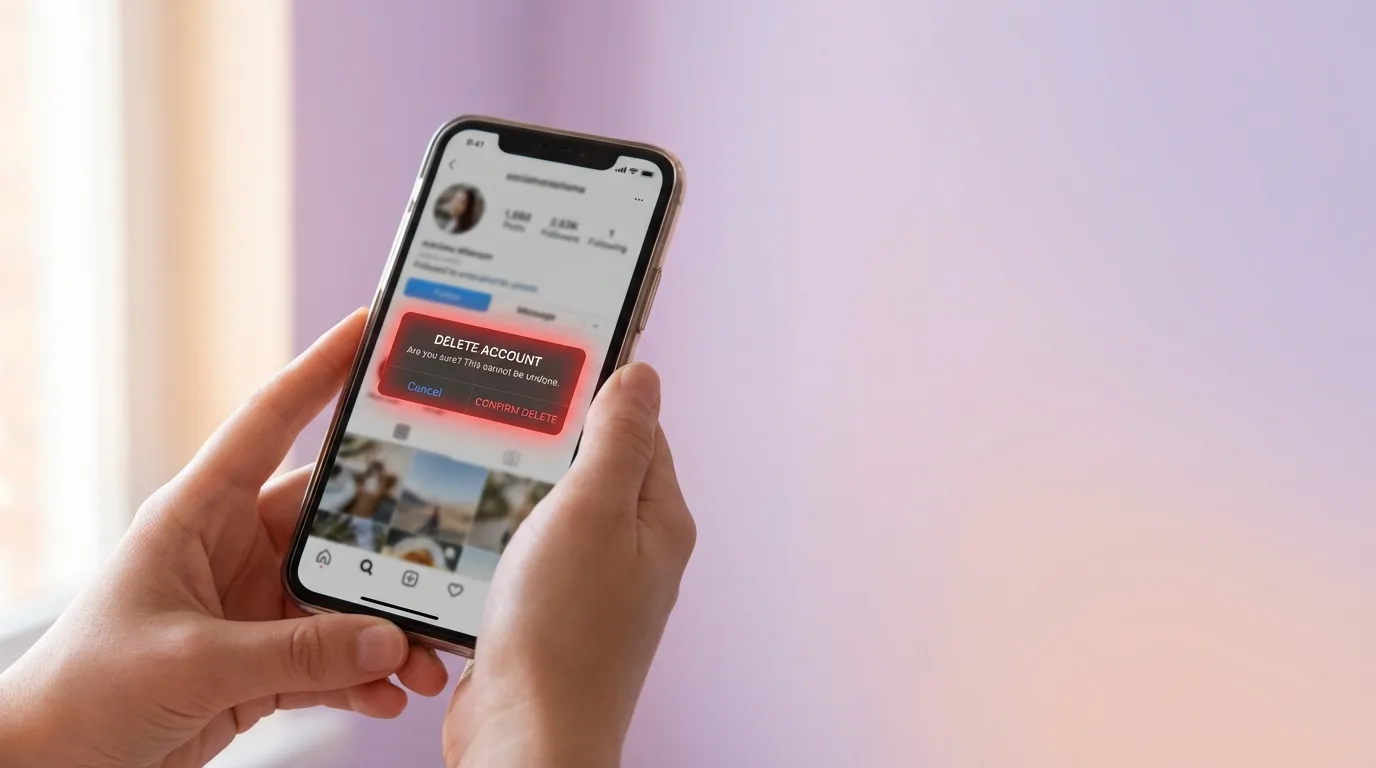
How to Delete Your Instagram Account Permanently (2026 Guide)
You've decided you're done. Maybe the scroll has stopped being fun, maybe you're cleaning up an old handle you don't use anymore, or maybe you just want your time and attention back. Whatever the reason, deleting an Instagram account is straightforward once you know where the option actually lives.
The confusing part is that Instagram keeps moving it. The delete flow used to sit inside the Instagram app's own settings, then it moved into Meta's unified Accounts Center, and along the way the wording changed from "Delete" to "Deactivation or deletion." Most older tutorials are out of date, which is why so many people give up halfway through.
This guide walks through the current path on iOS, Android, and the web, explains the 30-day grace period, and covers what happens to your DMs, tagged photos, and username after the account is gone. If you're not ready to leave entirely and only want to tighten who sees your profile, start with our guide to hiding followers and the following list on Instagram instead.
Quick answer
To permanently delete your Instagram account in 2026:
- Open Settings inside the Instagram app (or on the web).
- Tap Accounts Center at the top of the settings screen.
- Go to Personal details → Account ownership and control.
- Choose Deactivation or deletion.
- Select the Instagram profile you want to remove.
- Tap Delete account (not Deactivate), pick a reason, enter your password, and confirm.
Instagram holds the account in a 30-day grace window before it is wiped for good. Log in during that window and everything comes back. After 30 days it's gone — posts, followers, DMs, and all. Your username is not released immediately; it typically stays reserved for a long time afterward.
If you just need a break, see the section on delete vs. deactivate below.
Before you delete: download your data
Deletion is permanent after the grace period. If you want to keep your photos, captions, story archives, or DM history, export them first. It's free and Meta makes the download available in a few hours for small accounts, up to a day or two for large ones.
The flow lives in the same place you'll use for deletion:
- Open Settings in the Instagram app or on the web at instagram.com.
- Tap Accounts Center.
- Choose Your information and permissions.
- Select Download your information.
- Pick the Instagram profile, choose Some of your information or All available information, and select a format (HTML is easier to browse; JSON is easier for developers).
- Choose a date range and destination (download link or transfer to another service), then submit the request.
You'll get an email when the file is ready. Download it before you start the deletion flow — once the account is in the 30-day grace window, you can still reactivate and re-request data, but once it's gone, it's gone.
A few things worth saving outside the zip:
- Screenshots of the people you message most. Handles, not numbers.
- A list of brands, businesses, or creators you work with. If your Instagram inbox is also your customer inbox, consider forwarding key threads to email first.
- Login-with-Instagram connections. Any third-party apps where you signed in using Instagram will stop working. Switch those to email/password login before you delete.
How to delete Instagram on iOS
The iPhone app is the most common path. Exact wording shifts between app updates, but the hierarchy has been stable since Meta moved deletion under Accounts Center.
- Open the Instagram app and go to your profile tab.
- Tap the three-line menu in the top right.
- Tap Settings and activity.
- Near the top, tap Accounts Center. You may need to scroll past the "Meta" heading.
- Tap Personal details.
- Tap Account ownership and control.
- Tap Deactivation or deletion.
- Select the Instagram profile you want to delete (Accounts Center can show Facebook, Threads, and Instagram profiles side by side).
- Tap Delete account.
- Read the consequences screen, then tap Continue.
- Pick a reason from the dropdown. "Something else" is fine.
- Re-enter your password to confirm you're the account owner.
- Tap Delete account on the final screen.
The account is now in the 30-day countdown. You'll be logged out of every device.
How to delete Instagram on Android
The Android path is identical to iOS in almost every step — Accounts Center is the same unified panel across both platforms.
- Open Instagram and tap your profile icon.
- Tap the three-line menu.
- Tap Settings and activity.
- Tap Accounts Center at the top.
- Tap Personal details → Account ownership and control → Deactivation or deletion.
- Choose the Instagram profile.
- Tap Delete account, then Continue.
- Enter your password and confirm.
If your Android device has Instagram installed but you signed up through Facebook, you'll be asked to confirm through the linked Facebook account instead of entering an Instagram password. The end result is the same.
How to delete Instagram on the web
If you can't access the app — you're locked out, you don't have the phone handy, or you just prefer a keyboard — you can delete from any browser.
- Go to instagram.com and log in.
- Click your profile picture in the top right, then click Settings.
- In the left sidebar, click Accounts Center. It opens in a new tab on accountscenter.instagram.com.
- In Accounts Center, click Personal details.
- Click Account ownership and control.
- Click Deactivation or deletion.
- Select the Instagram profile.
- Choose Delete account, click Continue, pick a reason, and enter your password.
Meta has also kept a legacy direct URL for the deletion request at instagram.com/accounts/remove_request/. It still works as of this writing and will redirect you into the same Accounts Center flow. Don't rely on any third-party "delete link" you find on forums — those are often phishing pages dressed up to look official.

What actually happens during the 30-day grace period
Once you submit the deletion request, your account enters a soft-deleted state. From your perspective and from anyone else's, the account effectively disappears:
- Your profile stops showing up in search.
- Your posts, Reels, and Stories are hidden.
- The username displays as "Instagram User" in shared DM threads — the same behavior people see when someone has blocked them on Instagram, which is why the two states get confused.
- Tagged photos of you on other accounts still show the tag text but the link is dead.
But under the hood, Meta is keeping the data. If you log back in at any point during those 30 days, the deletion is cancelled and the account is fully restored — posts, followers, saved items, everything. This is intentional; it protects people who delete in anger or panic and change their minds the next day.
After 30 days, the account is permanently deleted from Meta's production systems. Backups take a little longer to clear, but for practical purposes your data is gone and unrecoverable. Meta's help pages are explicit that they cannot restore a deleted account after this point — not for you, not for law enforcement, not for anyone.
What happens to your DMs, tagged posts, and username
Direct messages
Your side of the conversation disappears. The other person's side stays. They'll see the thread in their inbox with your messages still visible, but your name is replaced with "Instagram User" and your profile picture goes blank. They can't reply. They can't tap through to your profile, because there is no profile.
This is worth keeping in mind if you've been running a business or a community from DMs. Once you delete, customers who try to reach you through an old thread will get silence on your end with no redirect. Post an alternative contact somewhere first.
Tagged photos
Photos that other people posted with you tagged in them are not deleted. The image stays on their account. The tag remains as text, but the clickable link to your now-gone profile is broken. Comments you left on other people's posts are removed along with your account.
Comments and likes on others' posts
These are deleted when the account is deleted. That can be a lot of activity vanishing from other people's posts, but there's no way to keep your comments while removing your account.
Your username
This is the one that surprises people. Deleting your account does not free up the username for someone else to grab, at least not quickly.
Meta holds deleted usernames in reserve for a long period — in practice, often indefinitely — both to prevent impersonation and to protect people who reactivate years later. If your plan is to delete the old handle so you can claim it on a new account, that plan usually doesn't work. A better path is to change your username on the old account first (Settings → Account → Username), then create the new account and claim the freed handle right away.
Delete vs. deactivate {#delete-vs-deactivate}
These two options sit next to each other in the same menu and people mix them up constantly. They are very different.
| Deactivate | Delete | |
|---|---|---|
| How long it lasts | As long as you want | 30-day grace, then permanent |
| Can you log back in? | Yes, anytime. It reactivates instantly. | Only within 30 days. After that, no. |
| Is your data kept? | Yes, fully preserved | Wiped after 30 days |
| Username reserved? | Yes | Yes, but can be reclaimed if you ever reactivate within the window |
| Shows up in search? | No | No |
| Good for | A break, a detox, a job search | Closing a chapter for good |
If you're not sure, deactivate. It costs nothing, it's reversible, and you can always upgrade to a full deletion later. For a full walkthrough of the deactivation flow and its quirks, see our how to deactivate Instagram guide.
Troubleshooting a delete that won't go through
A few reasons the delete flow can stall, and how to fix each one.
You can't find Accounts Center. Update the app. Older builds still show a "Delete account" option inside Instagram's own Privacy settings; Meta has been phasing this out in favor of the unified panel.
The "Delete account" button is greyed out. Usually because you have a pending Meta verification, an active ads balance, or a linked Facebook Page that requires a separate step. Resolve the flagged item first — the Accounts Center screen will point to it.
You forgot your password. You cannot delete an account you can't log in to. Reset the password through the instagram.com/accounts/password/reset/ page first. If you've also lost access to the email and phone number, recovery is slow and there is no shortcut; Meta's identity verification process is the only way back in.
You use Login with Facebook and don't remember setting an Instagram password. On the confirmation screen, choose the "Forgot password" link. Meta will send a reset to the email linked to the Facebook account. Set a password, then complete the deletion.
The account was hacked. Don't delete — report it. A deleted hacked account stays under the attacker's control during the 30-day window and they can cancel the deletion. Use Instagram's hacked account recovery form first, regain control, then decide whether to delete.
FAQ
How long does it take to permanently delete an Instagram account? Instagram holds the account for 30 days after you confirm deletion. During that window you can cancel by simply logging back in. After 30 days the account and its data are removed and cannot be recovered.
Can I delete my Instagram account without the password? No. Meta requires password confirmation on the final screen to prove you're the account owner. If you've forgotten it, use the password reset link first, then run through the delete flow.
Will deleting Instagram also delete my Facebook or Threads account? No. Accounts Center shows all three in one panel, but they're deleted separately. You have to pick each profile individually from the "Deactivation or deletion" screen.
Can someone else take my username after I delete? Not quickly. Meta reserves deleted usernames for a long time to prevent impersonation. If you want a specific handle for a new account, change your old username first, then claim the freed handle from the new account.
What happens to my old DMs after I delete? Other people keep their side of the conversation. Your messages stay visible to them but under the label "Instagram User" with no profile picture and no way to click through.
Is there a way to delete just the app but keep the account? Yes. Uninstalling the Instagram app from your phone does nothing to the account — it stays live and searchable on the web. If the goal is to not see Instagram anymore without committing to permanent deletion, uninstall the app and deactivate the account instead.
Can I delete multiple Instagram accounts at once? Not in a single action. Accounts Center asks you to pick one profile at a time. If you run three or four parallel accounts and want to remove all of them, you'll run the flow three or four times.
Does Instagram tell my followers that I deleted my account? No. There's no announcement, no notification, no email to followers. Your profile simply stops appearing. From their side it looks the same as if you deactivated, blocked them, or were banned — which is exactly why those four states are so hard to tell apart from the outside.
Final thoughts
Permanently deleting Instagram is one of the cleaner exits on the modern internet: one form, a 30-day safety net, and then the account is actually gone. The hardest part is finding the button, and now you have.
If you're only part of the way to the door — cleaning up who sees your posts rather than leaving entirely — start with deactivating your account or auditing your followers to prune inactive and spam accounts before you decide for good.
Whatever you choose: take your data with you first, and don't delete in the middle of a bad night.
Related Posts
- How to Deactivate Instagram Account (2026 Guide to Temporarily Disable)
- Why You Should Be Auditing Your Followers on Instagram
- How to Tell If Someone Blocked You on Instagram (2026 Guide)
Obrigado ❤️ por ler o Blog Hiketop+
Além de publicar artigos interessantes, oferecemos uma plataforma de troca que permite obter seguidores autênticos do Instagram sem custo. Milhões já experimentaram Hiketop+ para promover seus perfis. Descubra nosso aplicativo gratuito disponível tanto para iOS quanto para Android para aumentar seus likes, seguidores e comentários no Instagram.