How to Tell If Someone Blocked You on Instagram (2026 Guide)
You went to check someone's Instagram profile — and something feels off. Their posts are gone, your old comments vanished, or the account doesn't show up in search at all. Did they block you, deactivate their account, or just switch to private?
Instagram deliberately doesn't tell you when you've been blocked. There is no notification, no label, no "you can't view this user" banner. That's by design — the whole point of the block feature is to quietly remove someone from the other person's experience.
The good news: there are reliable signs, and with one quick test you can confirm it in under a minute. Here's how.
Quick answer
If all of these are true at the same time, you're almost certainly blocked:
- Their profile shows up as empty or "User not found" when you search.
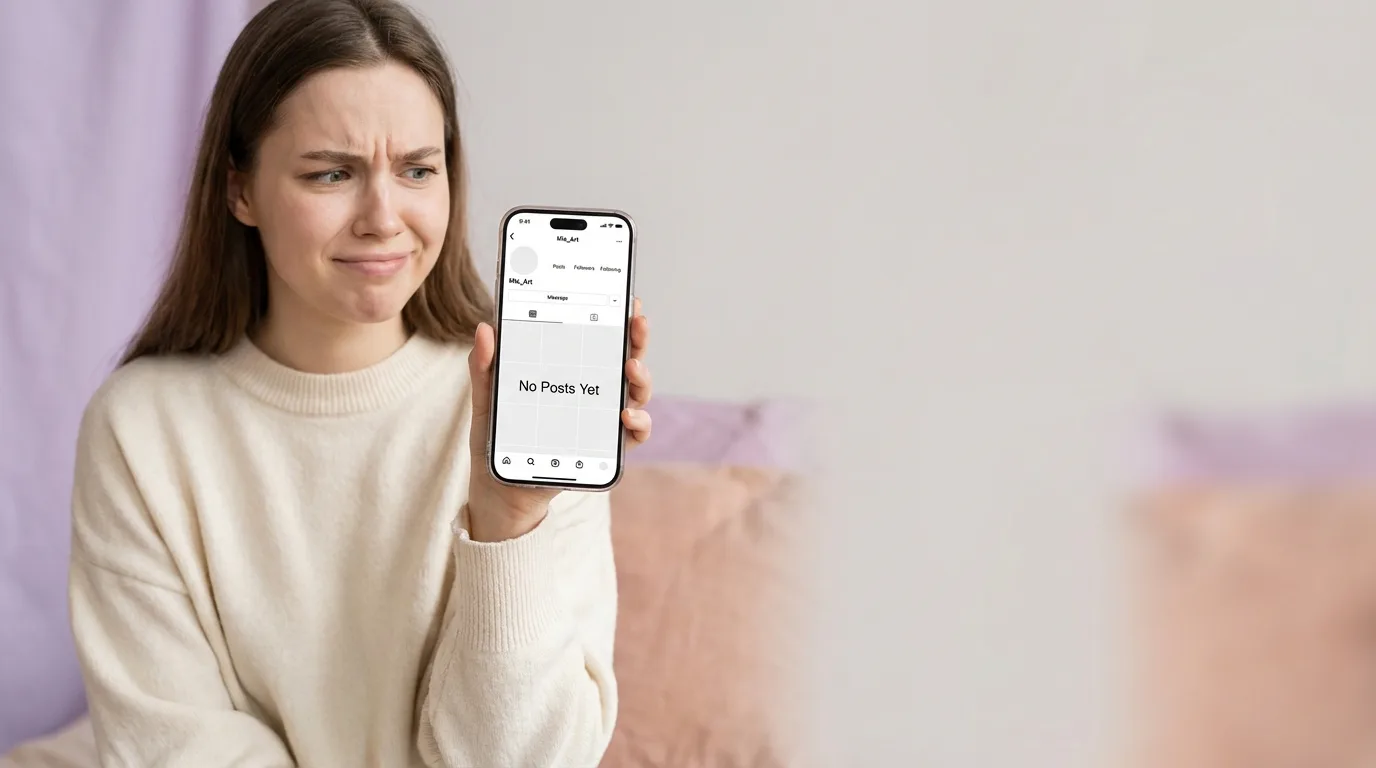
- Opening the profile directly shows "No Posts Yet" even though you know they post regularly.
- Your old likes and comments from them have disappeared from your posts.
- The same profile loads normally when you view it logged out in a browser.
Any one of these alone can have a different cause (see below). Together they mean you've been blocked.
Sign 1 — The profile disappears from search
Open the Instagram search tab and type their username. If you've been blocked, one of two things happens:
- The account doesn't appear in the results at all.
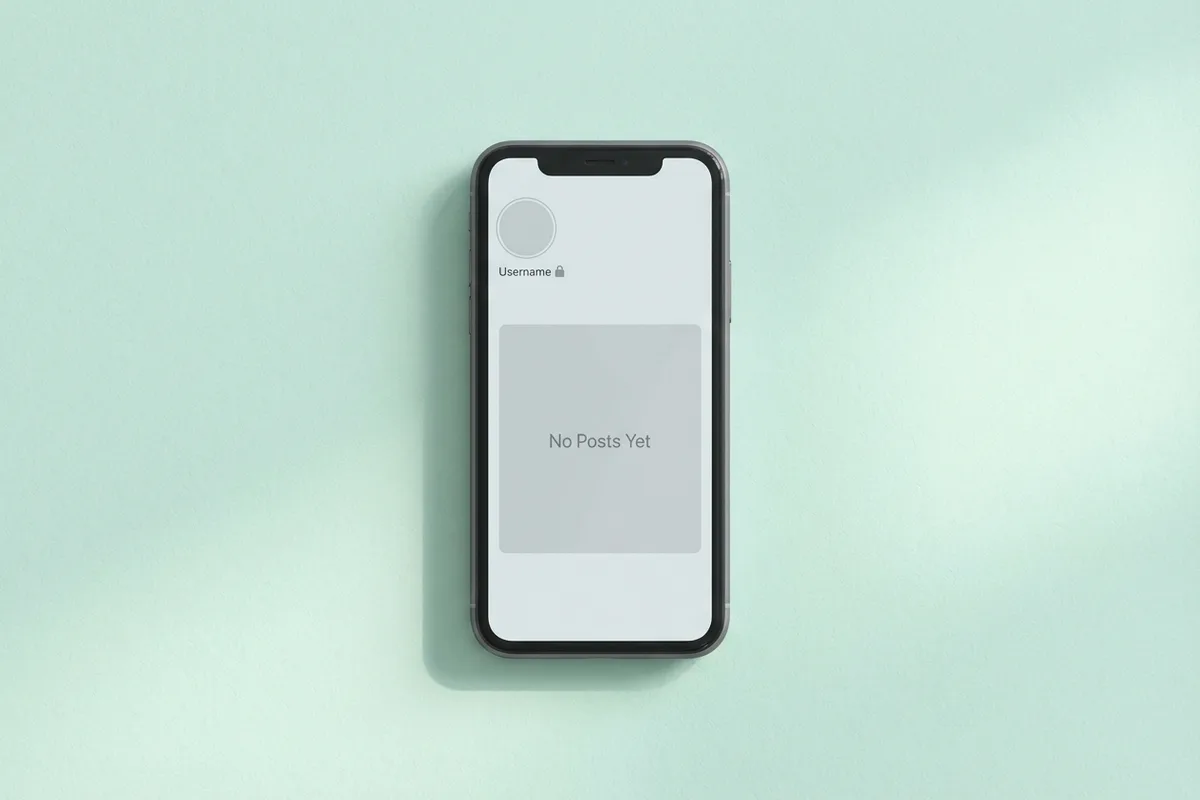
- It appears, but tapping it shows "User not found" or a blank profile page.
This on its own isn't proof — they might have deactivated, been banned by Instagram, or changed their username. But combined with the next sign, it's a strong indicator.
Sign 2 — "No Posts Yet" on a profile you know is active
This is the most recognizable sign.
If you can reach the profile (maybe through an old tagged photo or a saved link), you'll see:
- The username and profile picture.
- A follower count that may show 0 or a placeholder.
- A grey grid with "No Posts Yet" in the middle — even though you remember scrolling their feed last week.
A blocked user sees the profile as if it has no content. The person's actual posts still exist for everyone else.
Tip: Don't confuse this with a private account you don't follow. A private account shows the message "This Account is Private" along with a real follower/following count. A blocked profile shows "No Posts Yet" with broken counts.
Sign 3 — Your old interactions with them vanished
Scroll back on your own posts. Any comments they left, any likes from them — gone. Their old @mentions of you in captions still show the handle but the link is broken; tapping it goes nowhere or returns "User not found."
This only happens with a block. A deactivated account leaves your side of the conversation intact; a block wipes their presence from your view as if they were never there.
Sign 4 — You can't tag them anymore
Try to tag them in a new post or a story:
- Start typing
@theirusernamein a caption. - Their name used to autocomplete. After a block, the suggestion never appears.
- If you type the full handle manually, the tag won't turn blue and won't link.
The same thing happens when you try to add them as a collaborator, mention them in a story sticker, or invite them to a Close Friends list.
Sign 5 — Direct messages stop going through
Old DMs between you don't disappear — both sides of the conversation are still in your inbox. But new behavior changes:
- The thread no longer shows "Active now" or a last-seen timestamp.
- New messages you send sit without being delivered. You won't see "Seen" and often won't see a read receipt at all.
- Voice calls and video calls fail to connect.
Instagram doesn't label the thread as blocked, which is why people miss this for weeks. If you were mid-conversation and replies suddenly stopped landing while the person is clearly still online elsewhere, consider it a strong clue.
How to confirm for sure
One test settles it. Open the profile URL in a logged-out browser — no account, just a plain tab.
https://www.instagram.com/theirusername/- If the profile loads with posts, follower count, and bio → you've been blocked on your account.
- If the profile also shows "Sorry, this page isn't available" when logged out → they deactivated, deleted, or were suspended. Not a block.
- If it shows "This Account is Private" when logged out → they're private and you don't follow them (or were unfollowed). Not a block.
You can also ask a mutual friend to open the profile from their account. Same logic: if they see normal posts and you see "No Posts Yet," it's a block on your side only.
Do not create a fake account to spy. Instagram actively flags and removes accounts used to evade blocks, and the person on the other end may notice — which defeats the point.
Blocked vs. restricted vs. deactivated vs. private
These states look similar at a glance but behave differently. This is where most mistakes happen.
| Situation | Can you find them in search? | What the profile shows | Can you DM? |
|---|---|---|---|
| Blocked | No (or broken) | "No Posts Yet", zero counts | Old thread stays, new messages don't deliver |
| Restricted | Yes | Normal profile | Yes, but your messages go to their Message Requests folder silently |
| Deactivated | No | "User not found" for everyone | Thread still visible, messages don't deliver |
| Deleted / banned | No | "User not found" for everyone | Same as deactivated, permanent |
| Private + not following | Yes | "This Account is Private" with real follower count | No (until they accept a request) |
| They unfollowed / removed you | Yes | Normal profile, all posts visible | Yes |
The logged-out browser test is what separates blocked (works logged out, broken logged in) from deactivated (broken everywhere).
What happens to your content after a block
- Stories and Reels: You won't see theirs, and they won't see yours — even if your account is public.
- Likes and comments history: Their activity on your posts is hidden from your view. It may or may not return if they unblock you; Instagram's behavior here has been inconsistent.
- Shared group chats: Existing groups keep working, but you'll see "Instagram User" instead of their name and you can't start a new DM with them.
- Tagged photos: Old photos where they tagged you stay in your Tagged tab, but the tag itself is dead — tapping it goes nowhere.
- Close Friends, Collabs, Live: All unavailable. They won't receive Close Friends stories and you can't invite them to go Live together.
What to do if you've been blocked
The honest answer: respect it.
A block is a boundary. Trying to route around it with a second account, asking mutual friends to pass messages, or confronting the person off-platform all make things worse — legally and socially. If it's a personal relationship, give it time and reach out through a different channel once, briefly. If they still don't respond, move on.
If you think the block was a mistake (common with business accounts and mass-block tools), a short, friendly message from a different context — a shared email thread, a work Slack, a mutual friend — is far more likely to work than anything Instagram-adjacent.
If the blocker is a brand or public figure and you believe the block is wrongful (e.g. suppression of customer complaints), your only real recourse is a public post tagging them from your own feed. Don't harass.
FAQ
Does Instagram notify the person I block? No. They get no push notification, no email, no in-app banner. They only find out by noticing the signs above.
If I get blocked, are my old DMs deleted? No. Both sides keep the message history. New messages won't deliver, but nothing is erased.
Can a blocked person still see my public posts if they log out? Yes. A block only affects logged-in interactions between your two accounts. Anyone — including someone you blocked — can see a public profile from a logged-out browser.
Will they know if I unblock them? No notification. If you unblock, you'll need to follow them again (a block removes the follow relationship both ways). They may notice only if they happen to check your profile.
Is "Restrict" the same as "Block"? No. Restrict is a softer option: the person can still see your profile, post comments, and send messages, but their comments are hidden from everyone else until you approve them, and their DMs land silently in Message Requests. Restrict is designed for handling harassment without tipping off the other person.
Why did an account I never interacted with block me? Many large accounts use third-party tools to mass-block bots, competitors, or suspected spam followers. You may have been caught in a sweep. It's usually nothing personal — contact them through another channel if it matters.
Can I see a list of accounts that blocked me? No. Instagram gives you a list of accounts you've blocked (Settings → Privacy → Blocked accounts), but never the reverse. Any app or website claiming to show you "who blocked me on Instagram" is either faking the data or scraping in ways that violate Instagram's terms and will likely get your account flagged.
Final check
If you're still not sure, run through this in order:
- Search for the username in the app. Does it appear?
- Open their profile directly. Do you see "No Posts Yet"?
- Open the same URL in a logged-out browser. Do posts appear there?
- Try to tag them in a new story. Does the handle link turn blue?
If steps 1 and 2 fail and step 3 succeeds — you've been blocked. If steps 1, 2 and 3 all fail — the account is deactivated or deleted, not blocked.
Either way: the best response is to take the hint, focus on the people who do want to hear from you, and keep building something worth following. For ideas on growing the right kind of audience, see our guide on auditing your Instagram followers and how to get followers on Instagram.
Related Posts
- Why You Should Be Auditing Your Followers on Instagram
- How to Get Followers on Instagram
- Instagram Tools Every Business and Influencer Needs
Obrigado ❤️ por ler o Blog Hiketop+
Além de publicar artigos interessantes, oferecemos uma plataforma de troca que permite obter seguidores autênticos do Instagram sem custo. Milhões já experimentaram Hiketop+ para promover seus perfis. Descubra nosso aplicativo gratuito disponível tanto para iOS quanto para Android para aumentar seus likes, seguidores e comentários no Instagram.